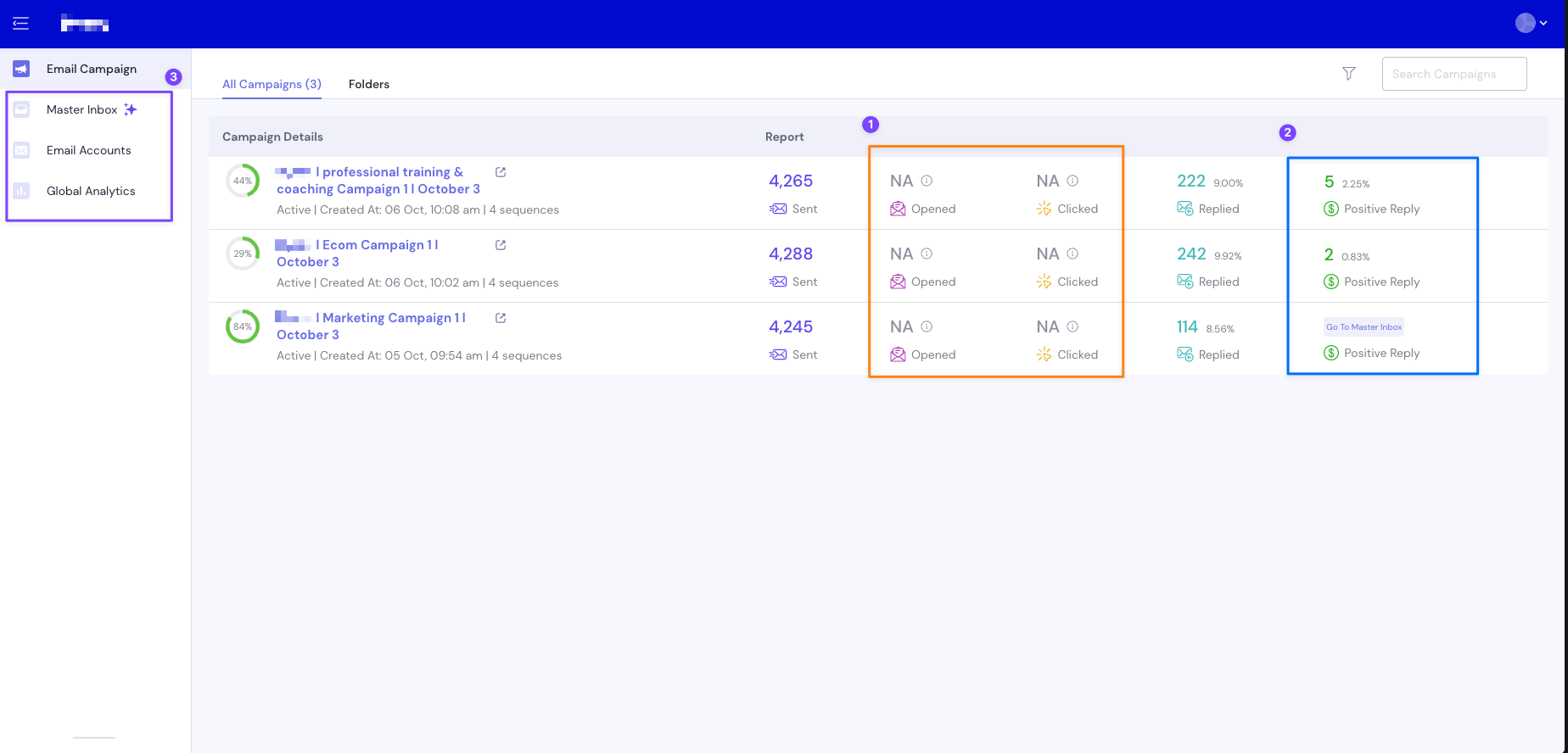
Each campaign you run with Leadbird will have specific metrics like the number of people who said they're interested and the number of total replies a specific campaign generated.
Once you're logged into your Leadbird dashboard, click on the campaign you'd like to view.
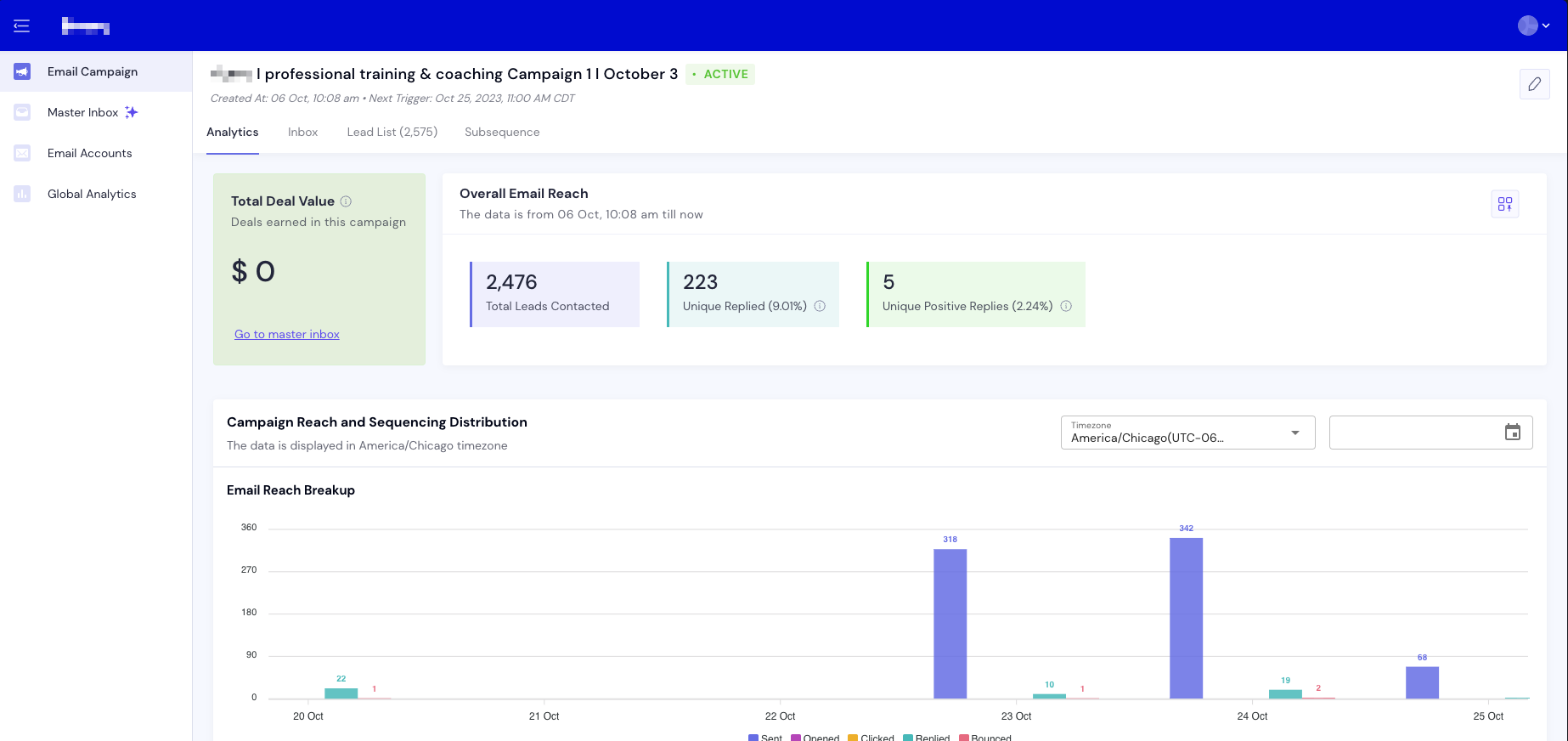
Numbers you should know:
Total Leads Contacted: The amount of leads in your lead list that have been enrolled into the email campaign.
Unique Replies: The amount of people that have replied to the initial campaign.
Unique Positive Replies: The amount of people that we have enrolled into a subsequence.
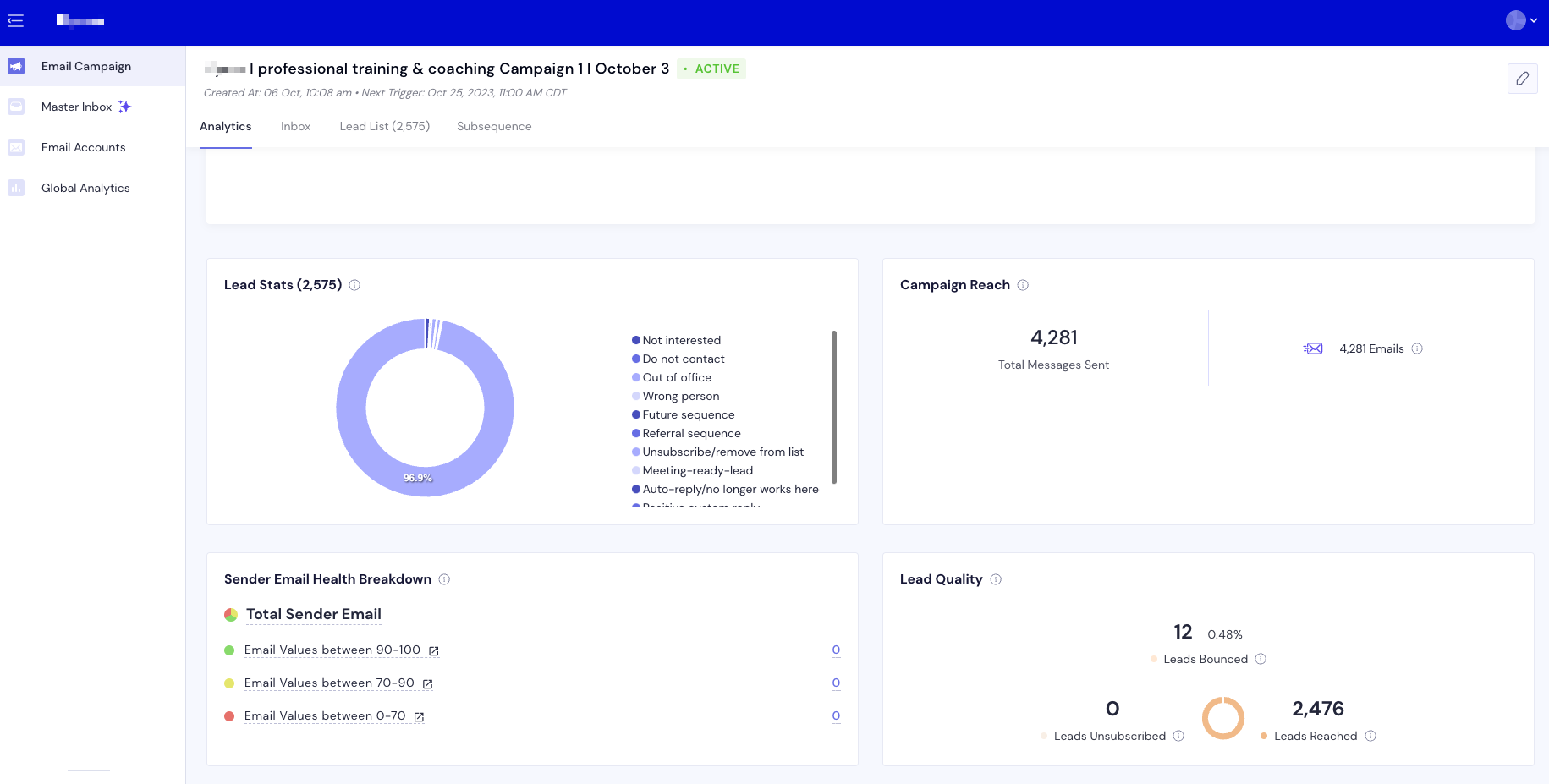
Lead Stats: A breakdown of how all the leads are categorized based on their responses.
Campaign Reach: The total number of emails sent.
Sender Email Health Breakdown: This gives you insight into where all the email accounts stand relative to their health during this campaign.
Lead Quality: Shows how many leads are bouncing (not receiving the email to their inbox) once the email is sent.
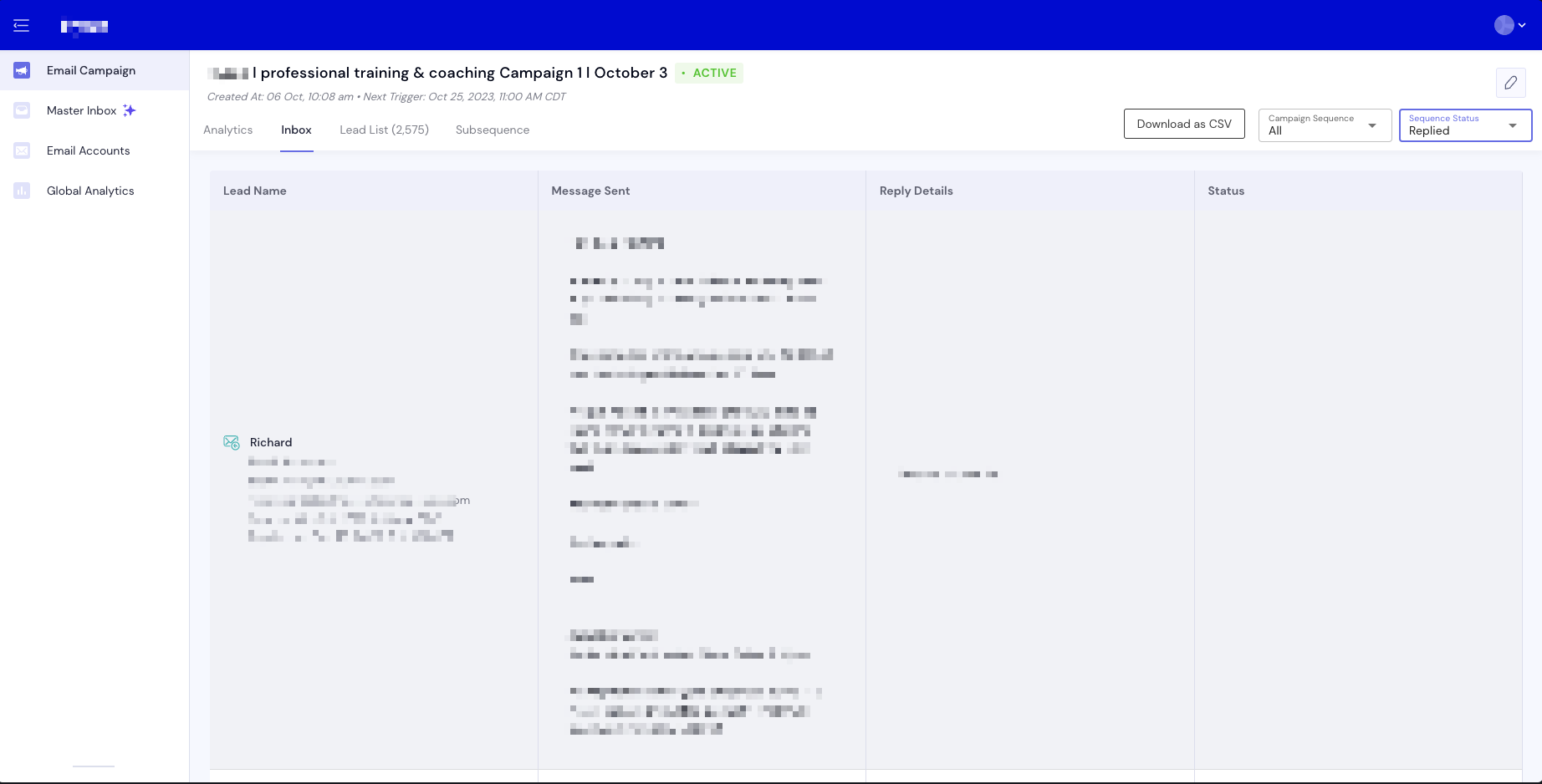
This shows all the individual emails sent to each lead as well as their response. If the response is blank, it means the lead hasn't responded.
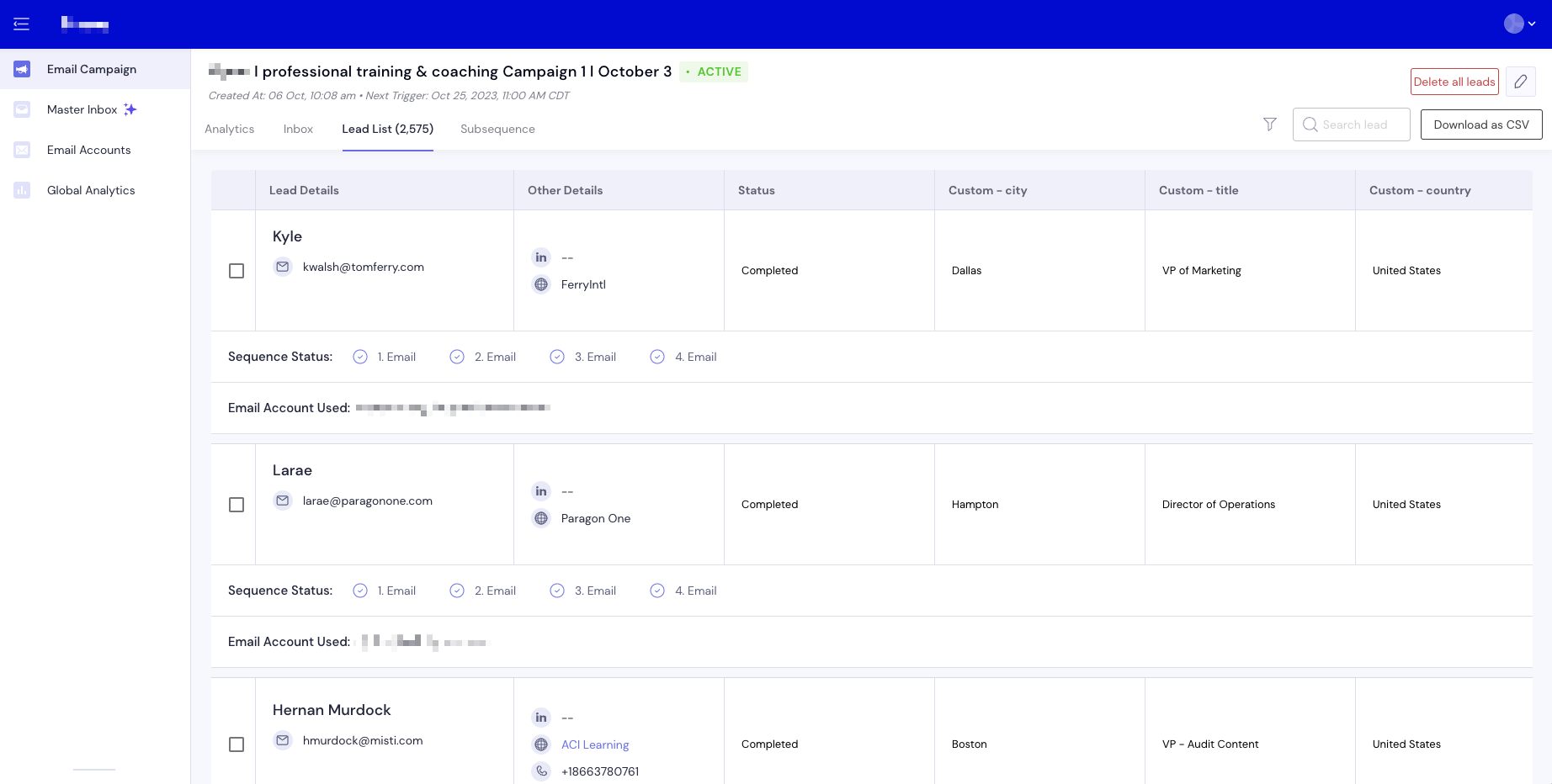
This shows you where each individual lead is in the campaign (i.e. which emails they've received or if they've completed the entire campaign). It also shows you the individual details of each lead.