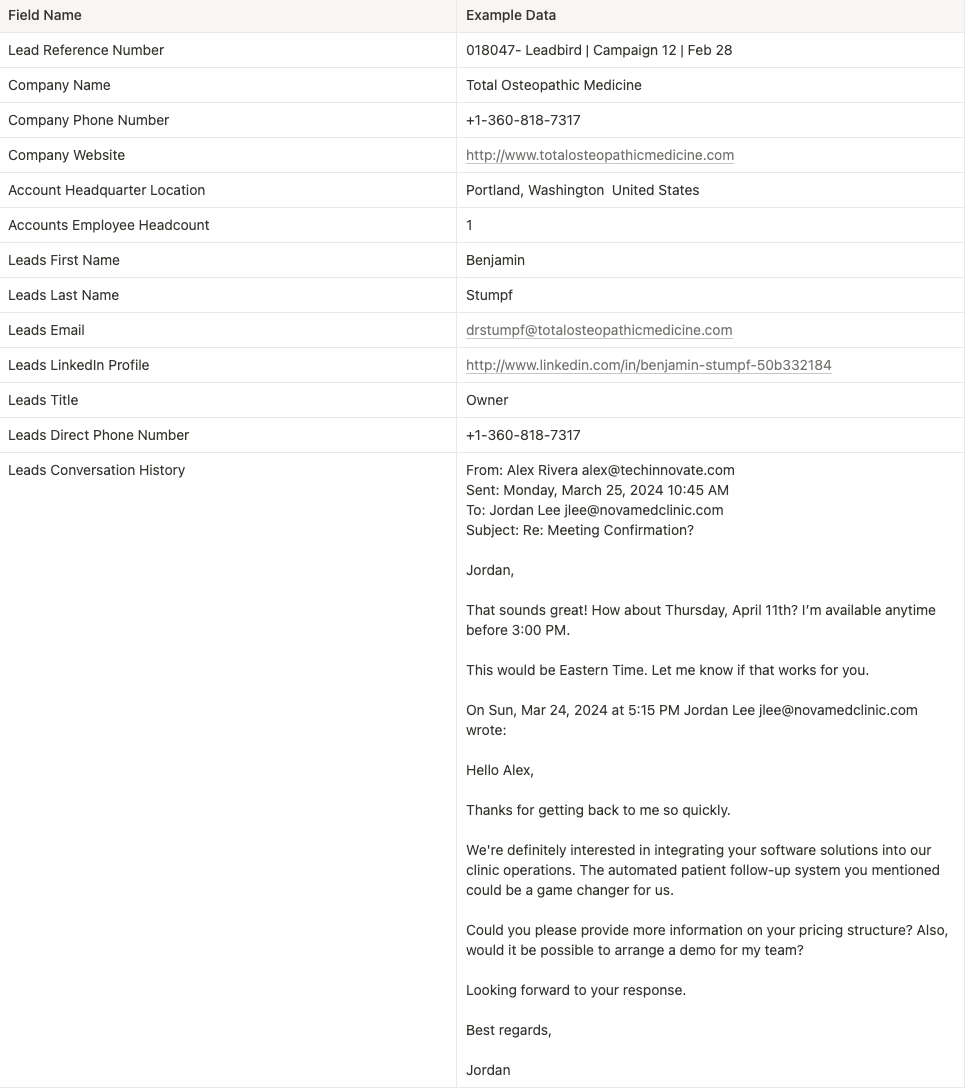
Our integration allows you to automatically pass leads from our service directly into your CRM.
This enables you to manage and nurture these leads efficiently. Below are the steps to set up the integration using Zapier.
Sign up for a Zapier account if you don’t already have one.
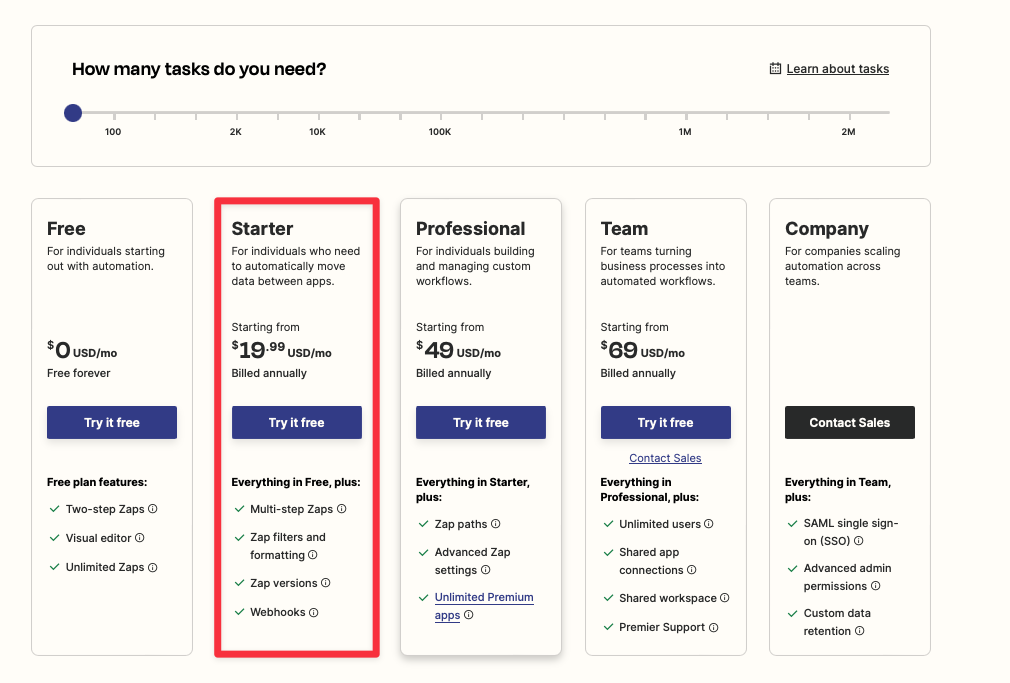
To use our integration, you will need the Starter Plan which provides access to webhooks.
Log in to your Zapier account.
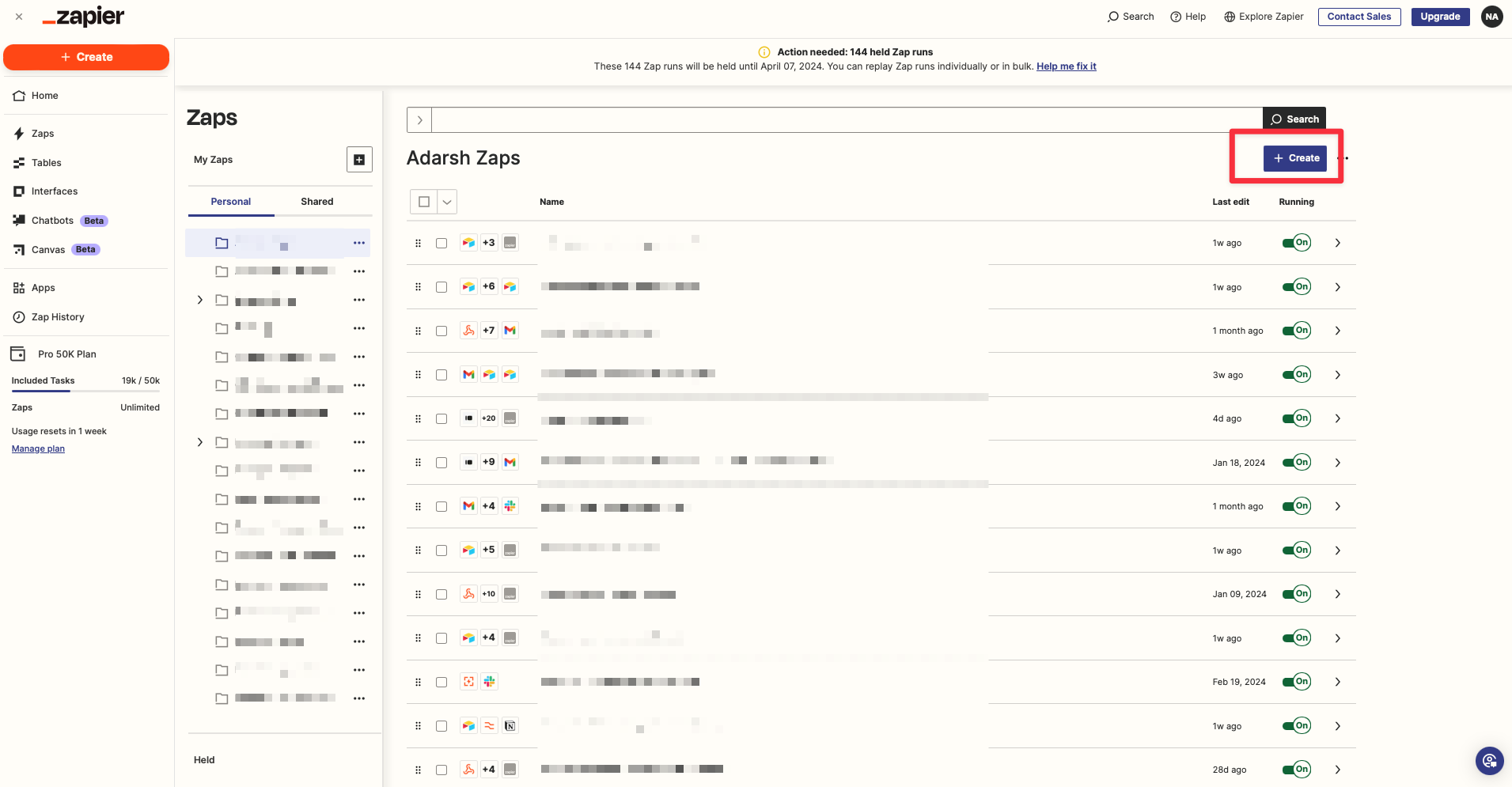
Click on Create + Zap.
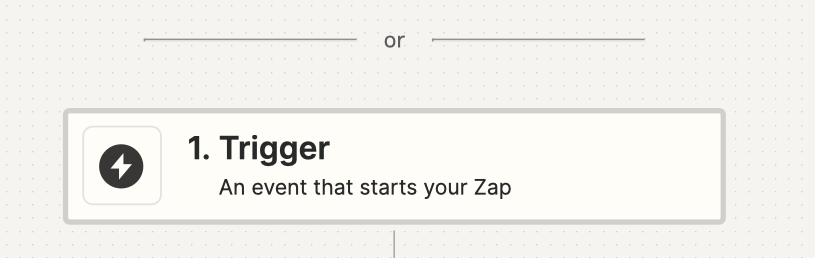
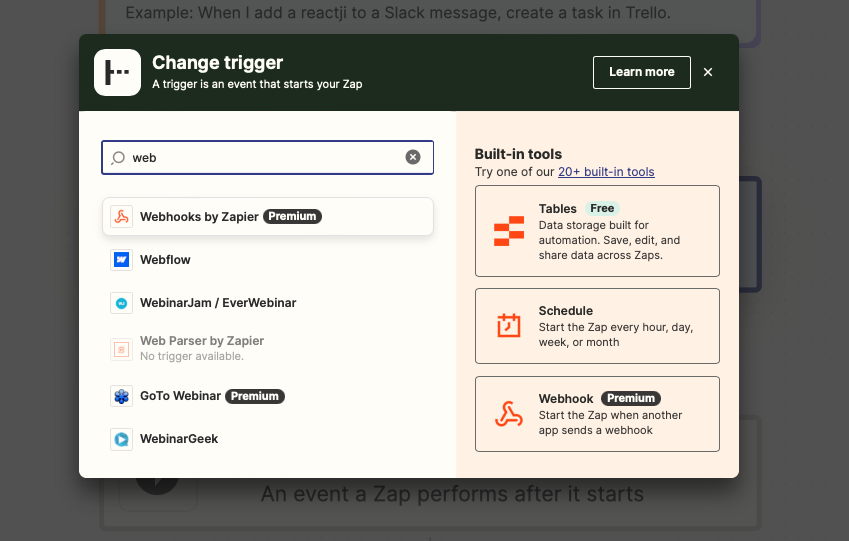
Click Trigger.
Search "Webhook by Zapier" and select.
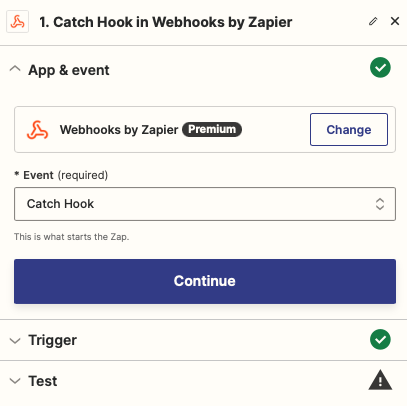
Mark the event as “Catch Hook” and Continue.
Click Continue again to proceed to the next step.
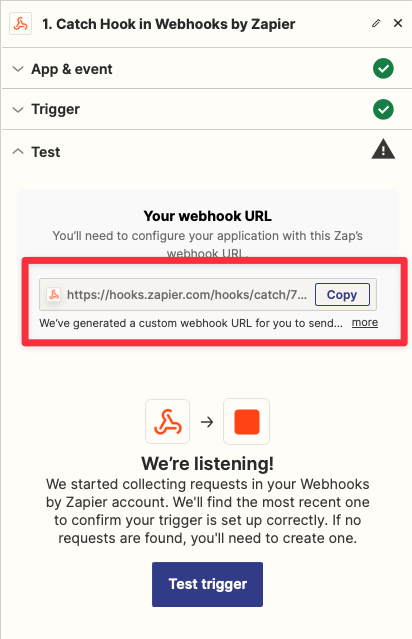
In the test section, you’ll see a unique URL. Copy this URL and send it to your Customer Success Manager (CSM). This step is crucial for completing the integration.
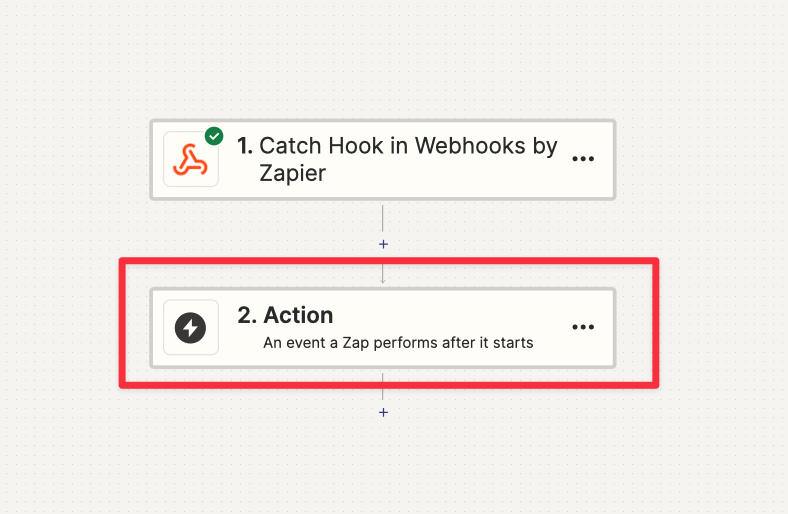
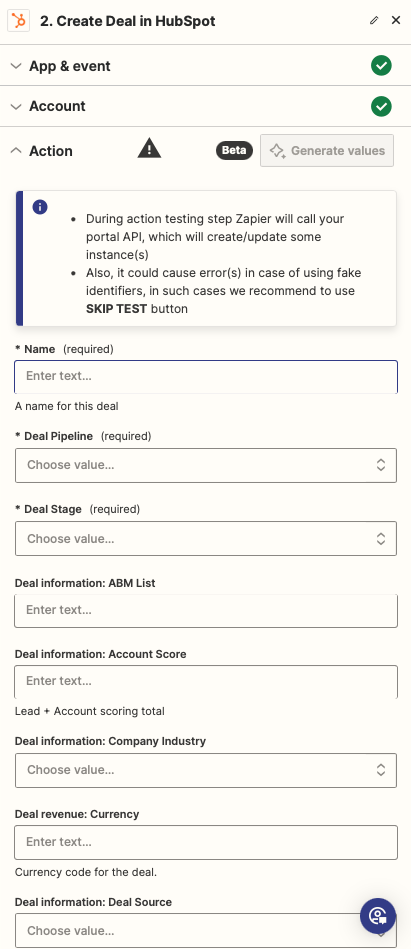
For this example, we’ll use HubSpot:
In HubSpot, go to the appropriate section to create a new view.
Select your account and begin mapping the fields. You can assign names, contact details, notes, and more based on your preference.
Depending on your CRM, the terminology may vary (e.g., "Create Contact" or "Create Lead").
💡 If you have any additional questions, please email our technical delivery manager (adarsh@leadbird.io) and CC your Customer Success Manager to lead the engagement.